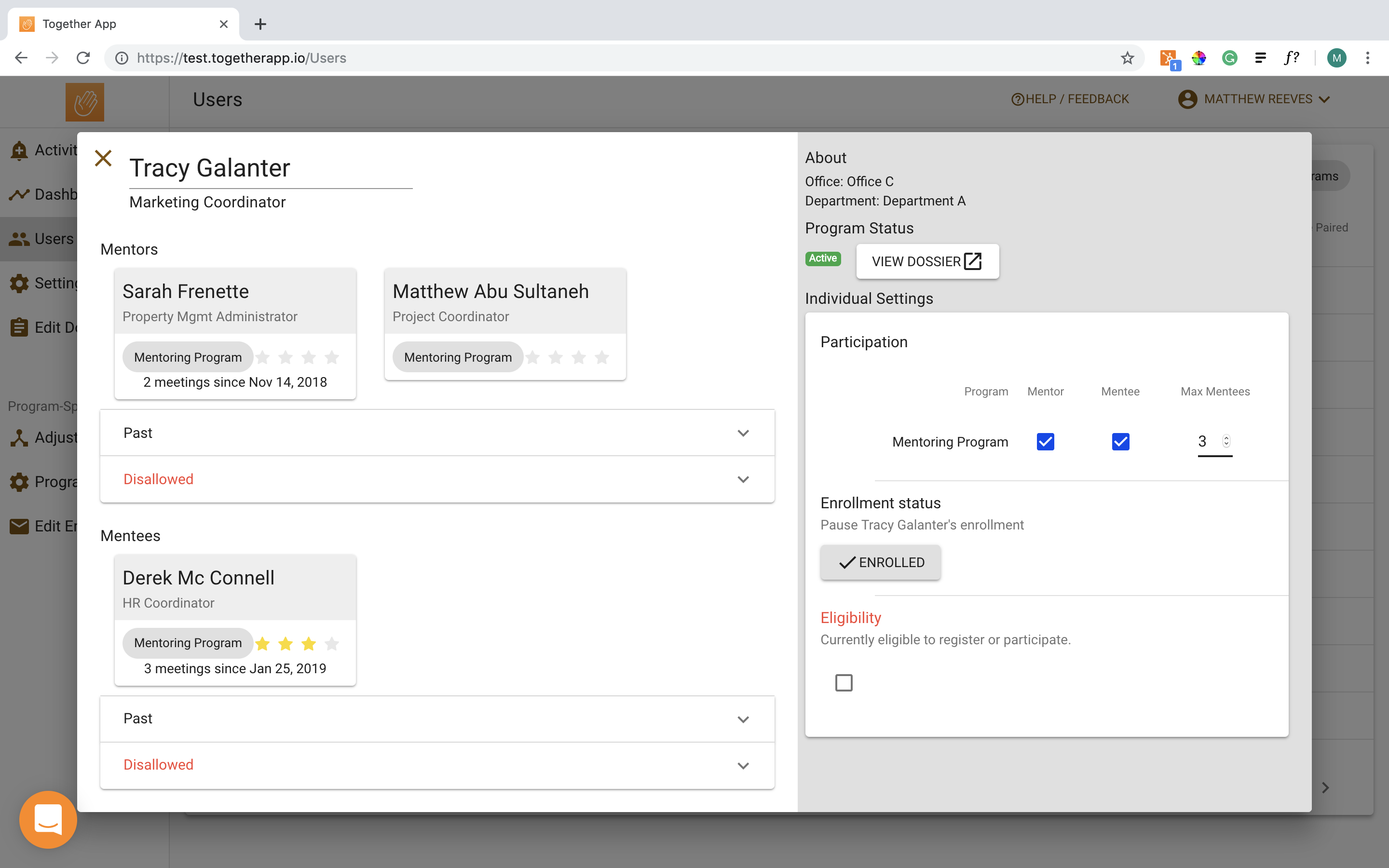
First, navigate to the user’s manage user window. Once there, you click on the drop-down beneath “Enrolment status”. From the drop-down select “Freeze my account”. Last, click the “save” button that appears.
![logo-hand.png]](https://4467140.hs-sites.com/hs-fs/hubfs/logo-hand.png?height=40&name=logo-hand.png)
First, navigate to the user’s manage user window. Once there, you click on the drop-down beneath “Enrolment status”. From the drop-down select “Freeze my account”. Last, click the “save” button that appears.