![logo-hand.png]](https://4467140.hs-sites.com/hs-fs/hubfs/logo-hand.png?height=40&name=logo-hand.png)
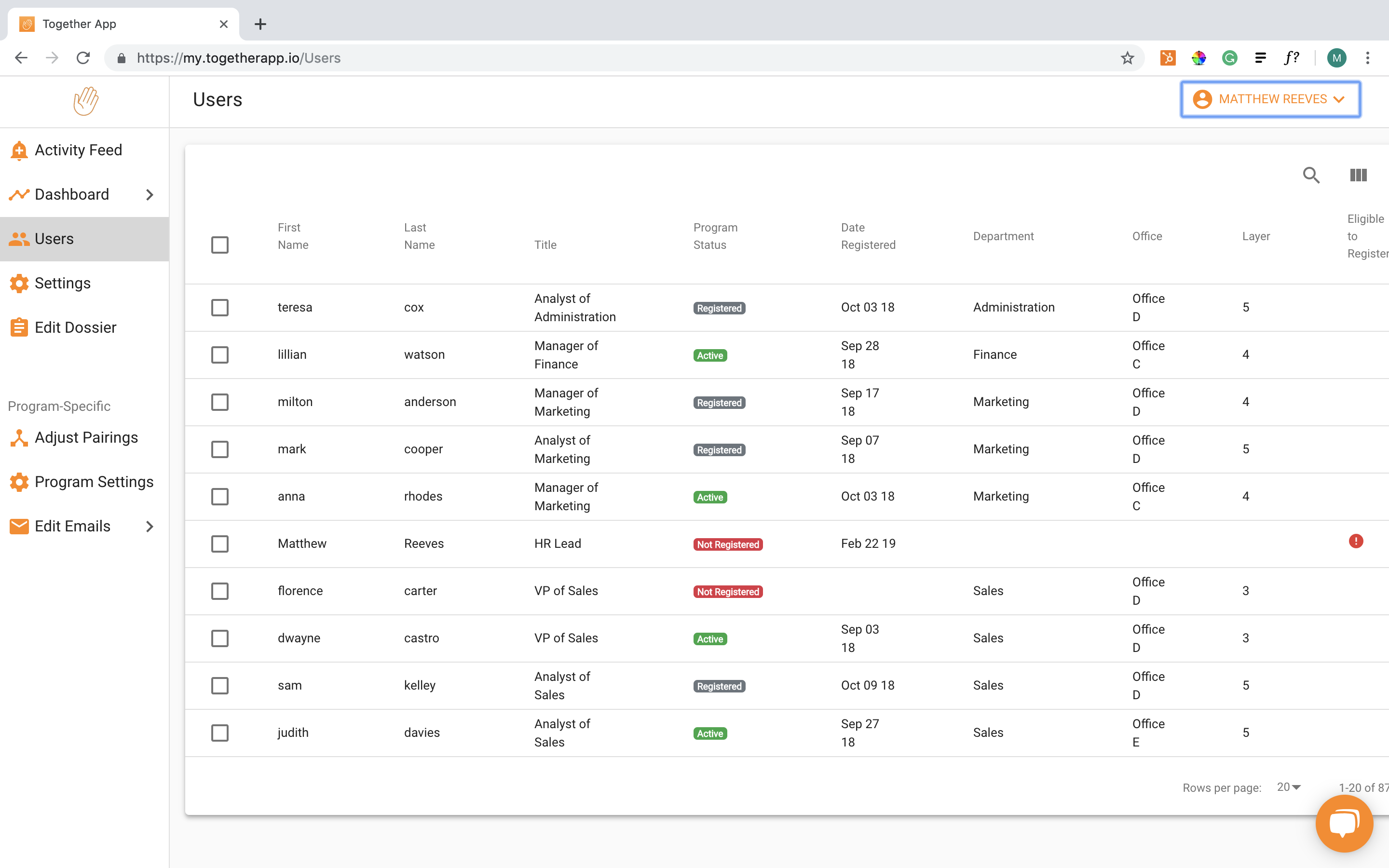
From the admin portal, select “manage org” from the panel along the left-hand side. Then from the expanded menu select “Employees”. Once on the employees page, you can then search for a user using the fields at the top of the table. Once you have located the user, you can click on the respective row to open the manage user window.